

Digital & AI courses
ABOUT THE COURSE
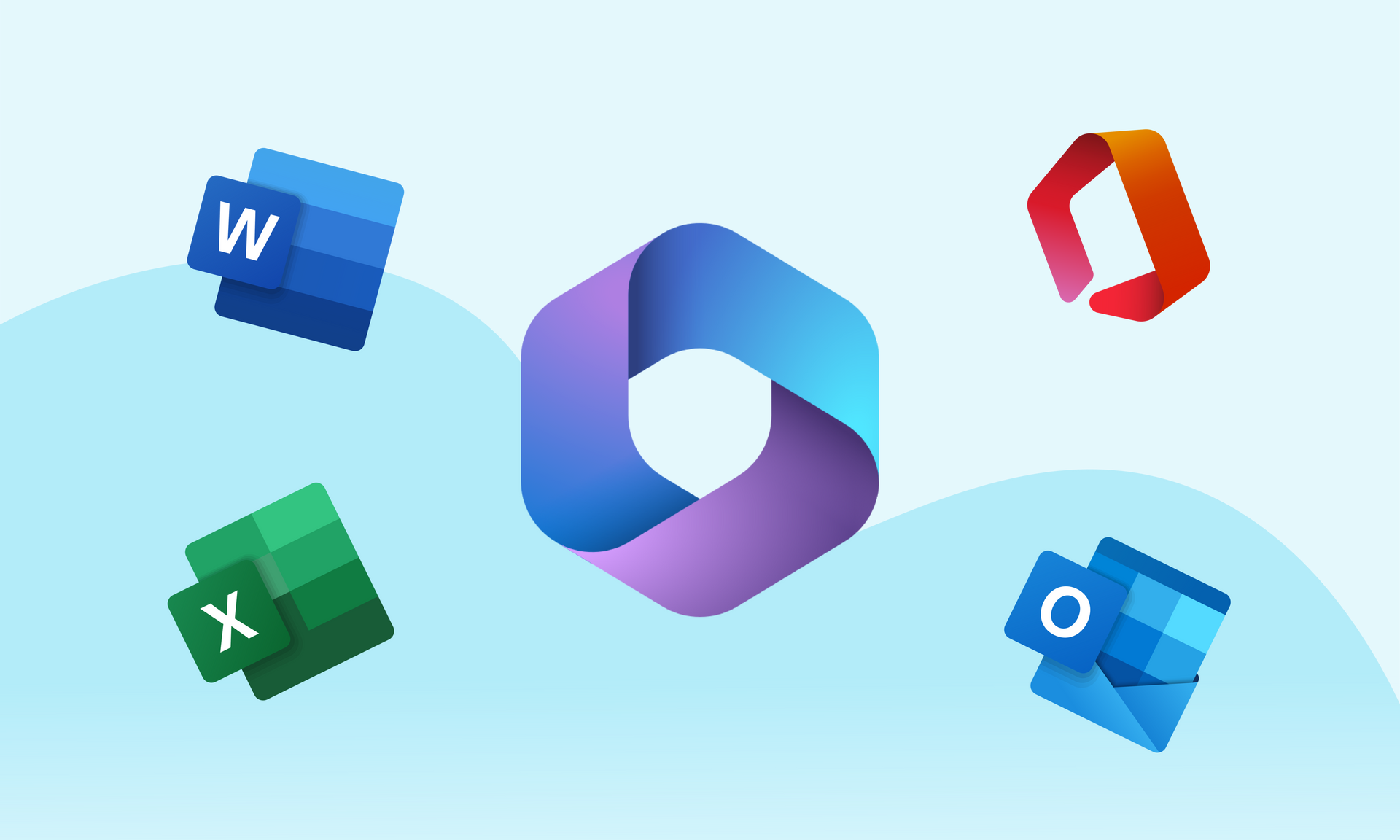
Microsoft Office is a suite of programs designed to increase productivity and help you perform common tasks on a computer. You can create and edit documents with text and images, work with data in spreadsheets and databases and create presentations and posters.

ABOUT THE COURSE
Want to learn more about how you can do more with Excel than just basic formulas and charts? You will learn about complex functions, data analysis tools and automation functions such as macros. It's like unlocking Excel's superpowers to solve bigger and more complicated tasks efficiently.

ABOUT THE COURSE
Gain an understanding of privacy and data protection. Learn how GDPR affects your workplace and how to handle personal data safely and responsibly.

ABOUT THE COURSE
Explore how artificial intelligence can make your work more efficient. This course introduces practical AI tools and how they can be applied across different industries.

ABOUT THE COURSE
Learn to use Adobe InDesign for professional design and layout. Perfect for those working in marketing, visual communication, or who want to create printed and digital publications.

ABOUT THE COURSE
Learn how to protect digital files and organize information securely. The course introduces good practices for data protection, password management, and efficient file organization for individuals and teams.
ABOUT THE COURSE
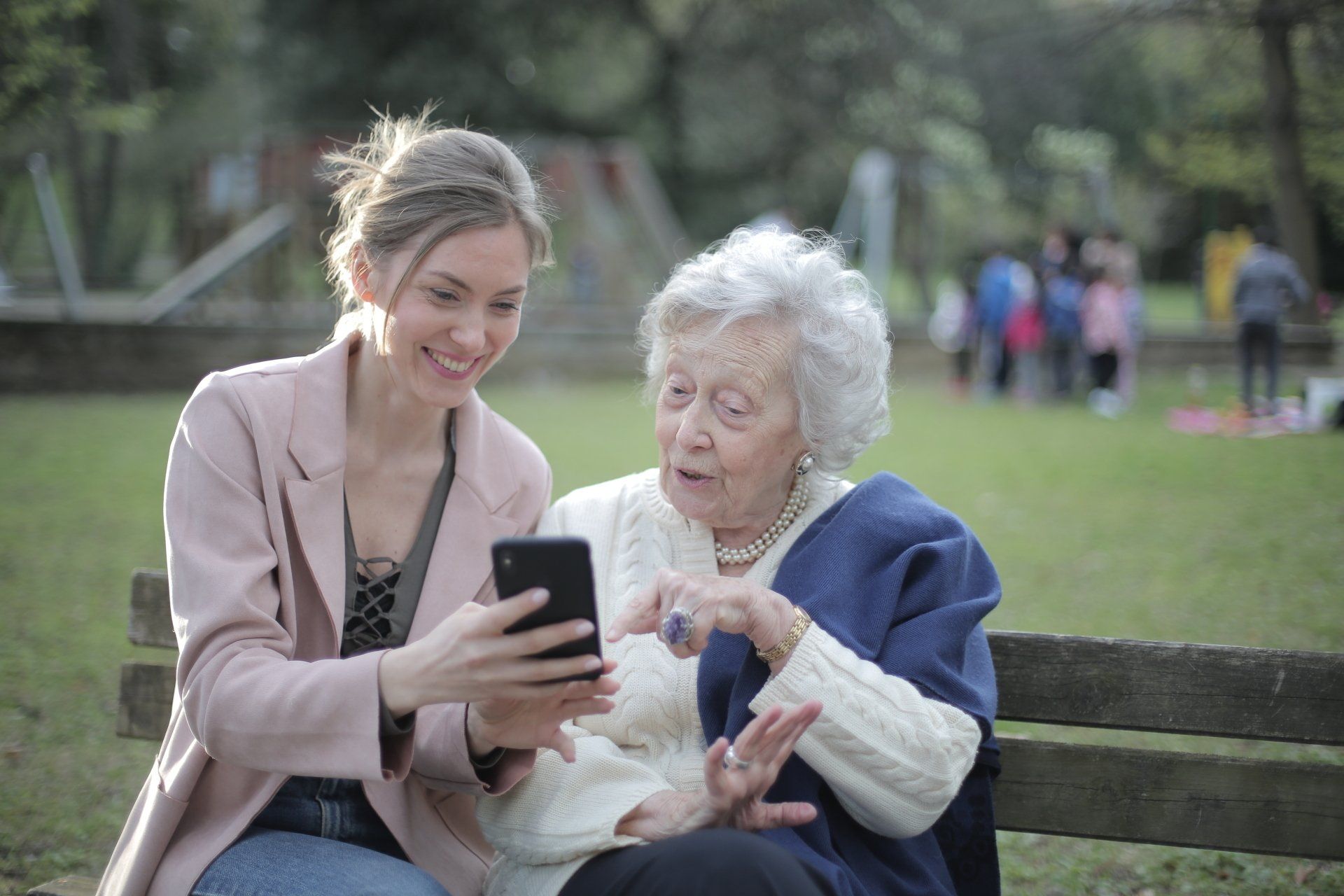
If you are an older person looking forward to learning more about the digital world - email, social media and online safety - this course is for you.
AI - various solutions using artificial intelligence
Artificial Intelligence (AI) is transforming the way we work across all industries. This course offers a practical introduction to how AI tools can help you save time, improve quality, and make better decisions.
You will learn to use modern AI solutions such as text and image generation tools, data analysis software, and automation systems. The course focuses on real workplace examples, making it easy to apply what you learn directly to your daily tasks.
After completing the course, you will have a solid understanding of how AI works and how to use it ethically and responsibly in your organization.
DIGITAL COURSES FOR SENIORS
Send e-mail
Shop safely online
Contact on social media
Surf the web safely
The course covers basic computer knowledge, operating systems, handling gadgets, sending e-mails, communicating on social media, safe surfing on the Internet, how to avoid fake messages and calls, identifying spam and much more.
Some of the topics in this course include: The operating system - Windows, Computer components (Hardware), The keyboard, Folder structure, File management - storage, deletion and moving, Data in everyday life - public logins - NAV, Online banking, Altinn, Bank ID, Data security: Internet fraud, Phishing , Smishing, Wangiri, Spoofing, Fake investments, Passwords.
OTHER DIGITAL COURSES
MS OFFICE
Microsoft Office is a suite of programs designed to perform common tasks on a computer. You can create and edit documents containing text and images, work with data in spreadsheets and databases and create presentations and posters.
ADVANCED EXCEL
With advanced Excel skills, you can create graphs and tables, use spreadsheets effectively, and perform calculations and automation to process large amounts of data. With the rise of big data and data analysis, advanced Excel skills are a great advantage both in the job search and in daily work.
GDPR
This course provides a practical understanding of privacy and data protection at work. Learn how to handle personal data securely and comply with GDPR requirements in your organization.
DATA SECURITY AND FILE ORGANIZATION
Learn how to protect digital files and organize information securely. The course introduces good practices for data protection, password management, and efficient file organization for individuals and teams.
InDesign (for design and marketing professionals)
Learn to use Adobe InDesign for professional design and layout. The course covers key features such as document setup, typography, image placement, and exporting for print or digital use.
You will gain hands-on experience and practical tips to create brochures, posters, and digital publications with confidence. Perfect for those working in marketing, communication, or anyone who wants to develop visual projects independently.
Do you want to know more about the courses?